1
Create your account
Sign up to access your GuestBit host dashboard - no credit card required.
House guide, check-in, local recommendations and more — all in one link for your guests.
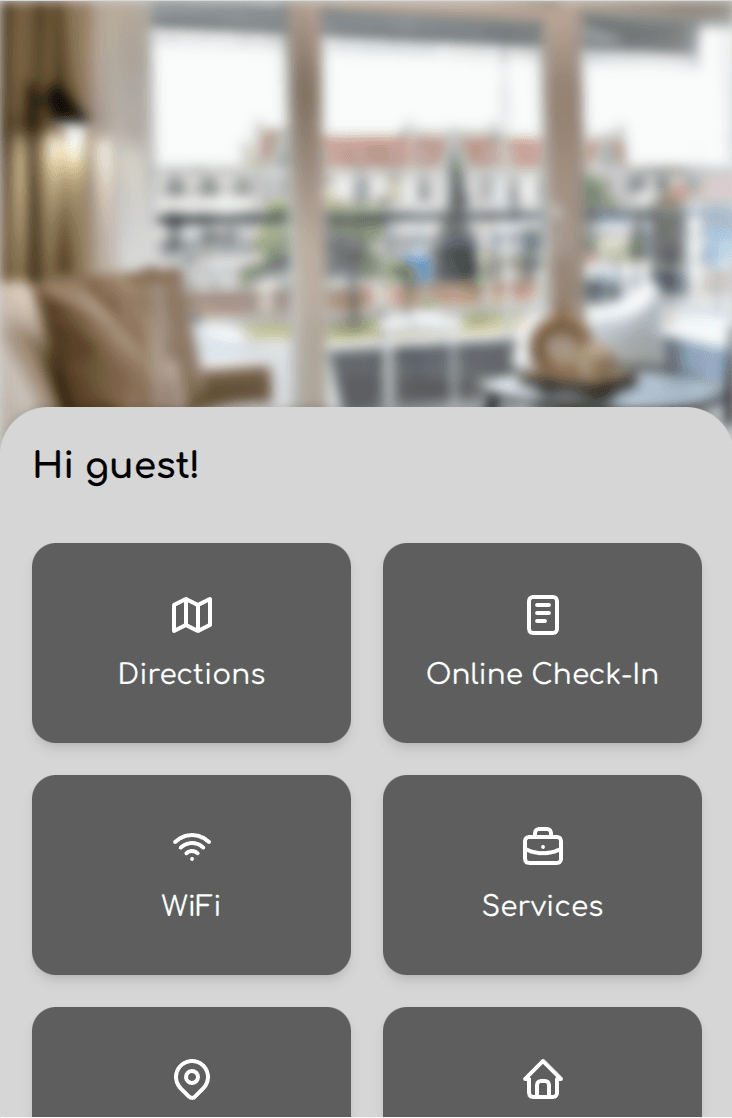
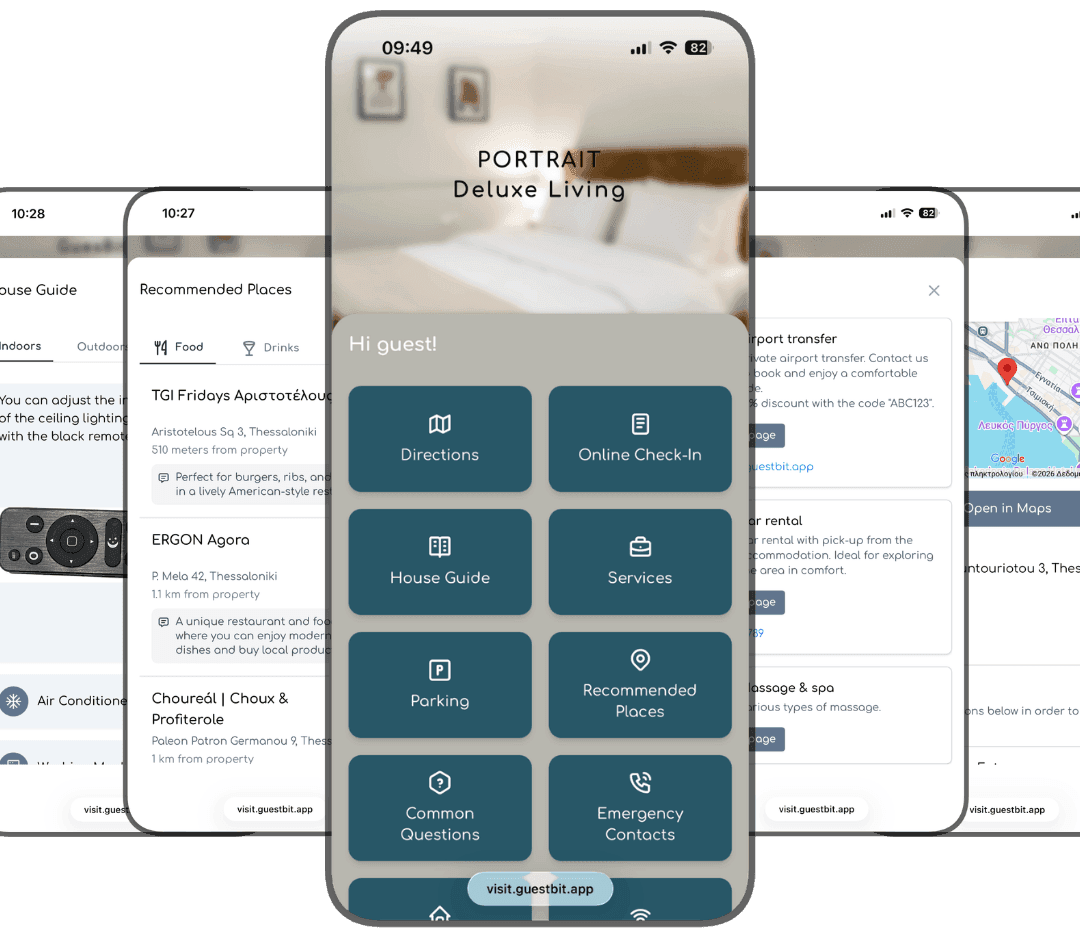
GuestBit gives every property a simple digital guide that guests can access anytime via a unique link or QR code.
You can easily create your property guide in minutes and share it with your guests, without any apps or complex setup.
Sign up to access your GuestBit host dashboard - no credit card required.
Add your property's name and location, then fill in useful details like Wi-Fi, check-in instructions, house rules, local tips, and Q&As.
GuestBit generates a unique guest link — simply copy it and send it to your guests before their arrival.
Guests open the link you share with them and instantly see a simple, mobile-friendly page with everything they need during their stay.
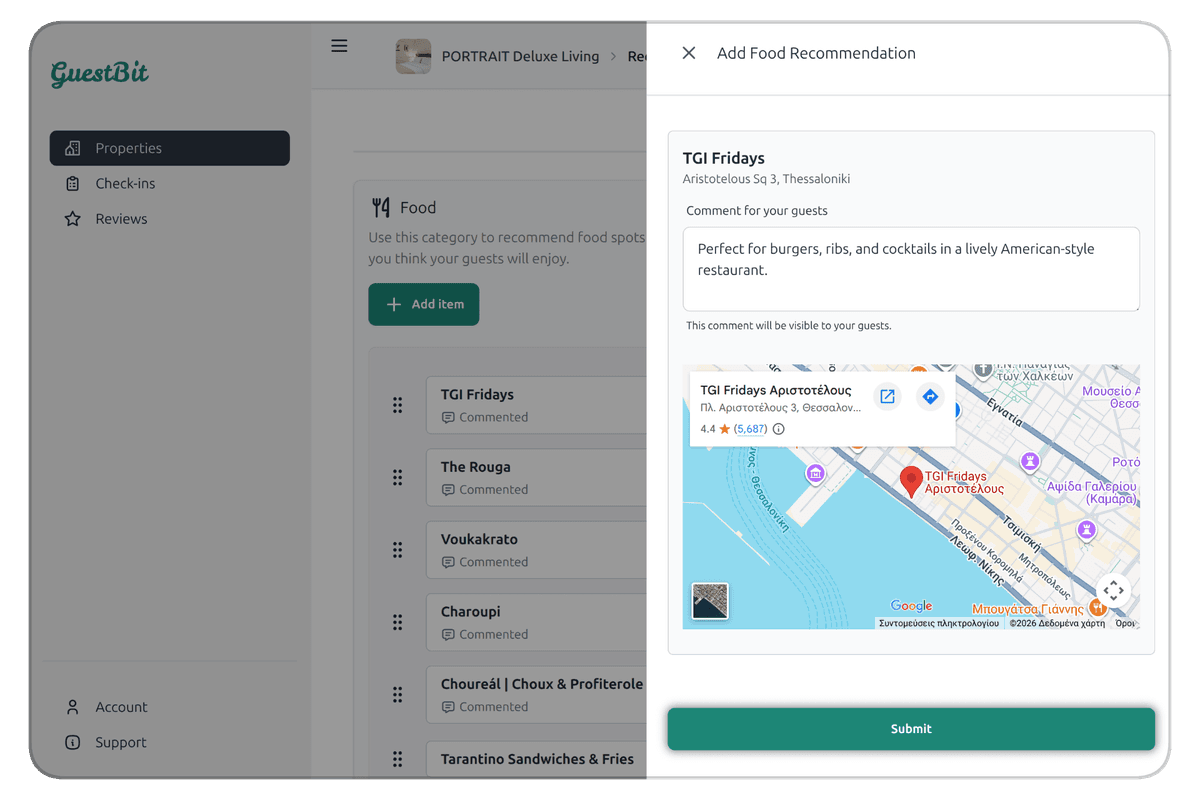
Add, edit, and update your property information anytime. Every change you make in the GuestBit dashboard appears instantly for your guests.
Host dashboard
Edit house guide, directions, recommendations, and more from the GuestBit dashboard.
Guest Link
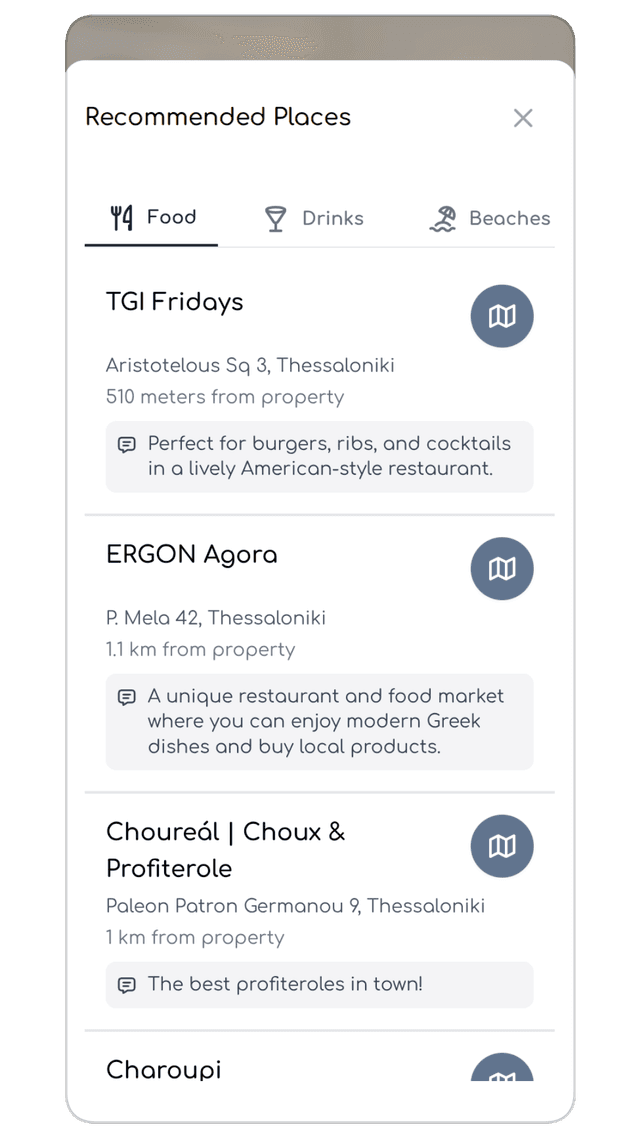
Your guests always see the latest information when they open your GuestBit guide.
Add useful information to your guest guide using simple widgets. You decide which widgets to enable for each property and what information your guests will see.
Directions
Help guests easily find your property with clear directions.
Online Check-in
Collect guest details and speed up the check-in process.
Services
Showcase your services like car rentals, massages, cleaning and more.
Common Questions
Answer common questions before guests even ask.
Parking
Provide clear instructions about parking options.
House Guide
Explain how things work inside your property.
Housekeeping
Share your property's housekeeping policies and instructions for guests.
House Rules
Make sure guests know the rules of the property.
Wi-Fi
Share your Wi-Fi network name and password with one tap.
Recommended Places
Share your favorite restaurants, cafes, attractions, and more.
Emergency Contacts
Provide important contacts for emergencies.
Feedback
Let guests share their experience and suggestions.
Start with a 14-day free trial — no credit card required. After that, pricing is progressive based on how many properties you create in GuestBit.
Basic
Pay per property per month.
Pricing is progressive. Each tier applies only to properties within that range.
What's included
For hotels & multi-unit properties
+ €1.49 / unit / month
For hotels or properties with multiple rooms or apartments, each unit is charged separately in addition to the base property price.
Set up your property in minutes and give your guests one simple link with everything they need during their stay.
Start free trial14-day free trial • No credit card required
Have questions about GuestBit? We'd love to hear from you.